Capture, annotate, and share with ease
Monosnap for Mac is a flexible tool designed for quick screenshots and screen recording. It caters to casual users and professionals alike, offering an intuitive interface and a range of helpful features. From capturing high-quality images to annotating them for feedback or tutorials, Monosnap streamlines the process for seamless visual communication.
Top Recommended Alternative

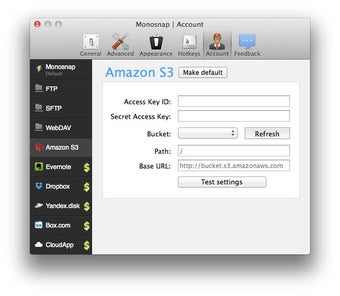
The app’s freemium model provides essential features for free, such as basic annotations, GIF recording, and cloud uploads to Monosnap’s storage. Users needing advanced options like SFTP integration or increased cloud space can upgrade to a paid plan. Its lightweight design ensures fast performance, making it a practical choice for everyday tasks on macOS.
What makes Monosnap stand out?
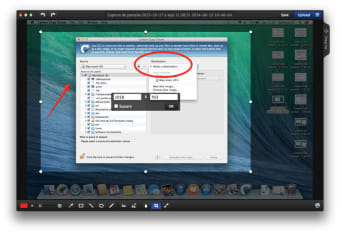
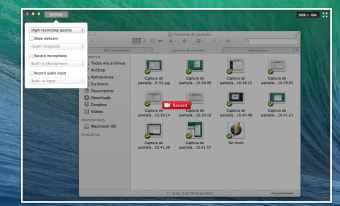
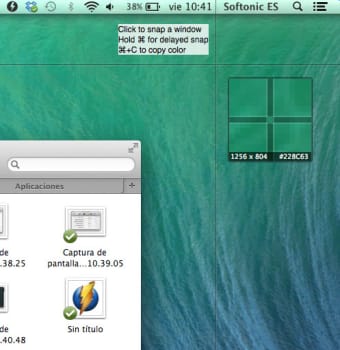
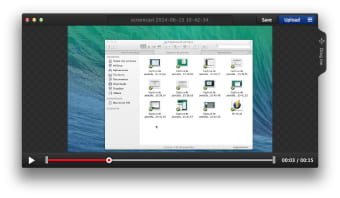
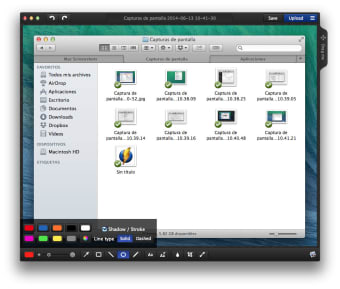
Monosnap allows users to capture full screens, specific application windows, or custom selected regions with impressive precision, thanks to its built-in 8x magnifier and pixel-level measurement tools. These features are perfect for designers, developers, and content creators who demand accurate screenshots. The versatile annotation toolkit includes arrows, shapes, text, and blur effects, enabling users to highlight key elements or obscure sensitive information effortlessly. For dynamic content, the screen recording function supports both MP4 and GIF formats, making it ideal for producing tutorials, software demos, and social media clips.
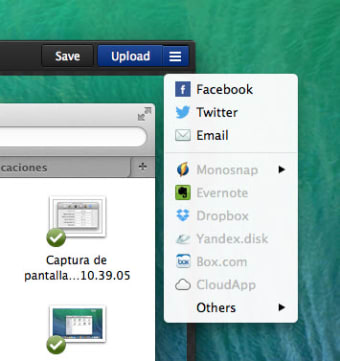
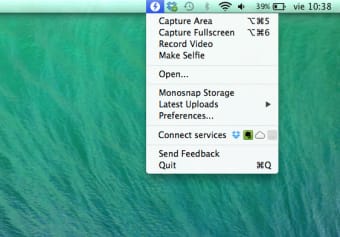
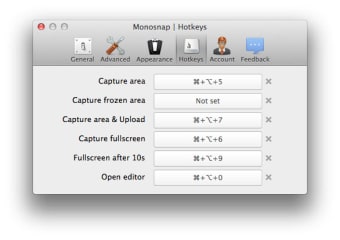
On macOS, Monosnap integrates directly into the menu bar for quick, one-click access and supports fully customizable keyboard shortcuts to streamline workflows. This lightweight app is designed to run unobtrusively in the background, ready to capture visuals at a moment’s notice. However, users on the free tier may face limitations such as restricted cloud storage space and the removal of certain third-party integrations like Dropbox and Google Drive. Some macOS users have also reported occasional memory leaks or stability issues during extended sessions.
Despite these constraints, Monosnap continues to stand out as a reliable, high-performance tool for fast screenshot capture, lightweight editing, and seamless sharing. Its balance of accessibility and robust functionality makes it a go-to solution for casual users and professionals seeking a powerful screen capture app for Mac.
A simple yet powerful capture app
Monosnap for Mac delivers a clean, efficient experience for screen capturing and recording. With its handy annotation tools, GIF support, and smooth performance, it’s ideal for casual users and content creators. For professional needs, upgrading to a paid plan unlocks advanced sharing and storage features.